
Complete school management
Your School. One Campus.
Run your entire school from one secure platform. BrightCampus connects administration, academics, results, families, identity and your public website without scattering critical work across unrelated systems.
Nursery, primary and secondary schools One sign-in, role-appropriate access
BrightCampus workspaceSecure
School overviewEverything important, in view.
Current termAcademic workflowSetup to publication
Review result submissions
Confirm class enrolments
Publish school update
Illustrative workspace overview — not a product screenshot.
See BrightCampus in action
See BrightCampus from every perspective.
Each person opens a workspace shaped around their responsibilities, relationships and authorised school context.
Leadership workspace
See the institution at a glance.
Move between school oversight, staff structure, subscription visibility and high-level reporting.School Owner · BrightCampusRole-aware workspace
Leadership workspace
See the institution at a glance.
Illustrative role workspace overview — not a product screenshot.
One connected operating system
Stop stitching your school together.
Paper registers
Disconnected spreadsheets
WhatsApp groups
Separate result tools
Manual fee records
Scattered files
Separate website management
Students
Staff
Academics
Results
Parents
Communication
Fees
School website
The connected platform
Everything your school needs. Working together.
Six connected areas create one clearer experience for school leadership, staff, learners and families.
School Administration
Organise students, staff, classes, departments and family relationships.
- Student records
- Staff structure
- Classes
- Families
Academics
Connect sessions, enrolments, subjects, attendance and timetables.
- Sessions
- Enrolments
- Attendance
- Timetables
Results & Assessments
Move scores through configured assessment and publication workflows.
- Score entry
- Broadsheets
- Approvals
- Report cards
Parents & Communication
Give families protected access to information for properly linked children.
- Linked children
- Results
- Assignments
- School updates
Finance & Operations
Bring operational records and enabled finance workflows into the school workspace.
- Fee records
- Subscriptions
- Staff roles
- Operational setup
School Website
Manage public identity and approved school content from the same platform.
- Branding
- News & events
- Gallery
- Admissions
Subscription-dependent CBT add-onFrom question bank
Computer-Based Testing
From question bank
to exam day.
BrightCampus’s built-in CBT engine connects question preparation, examination delivery, live supervision and results in your school workspace.
- Create question banks and configure examinations
- Import single-choice questions from PDF, DOCX, XLSX or PPTX, then review before saving
- Monitor live attempts and examination progress
- Automatically mark supported objective questions; review answers that require teacher marking
Import requires supported text-based formatting; scanned PDFs and images are not supported. CBT availability follows your school’s subscription and add-on access.
Request a Demo
Online School Fees & Payments
School fees.
Clearer records.
Manage fee obligations and follow recorded payments in one place. Where enabled, families can make online school-fee payments through the existing Paystack checkout.
- Fee tracking and outstanding balances
- Online payment transaction records
- Receipts for recorded payments
Online collection is subject to the school’s enabled fee and payment capabilities. Available checkout methods are determined by Paystack.
Explore the fees workflow
Lesson Notes & Scheme of Work
Give teaching plans
a place to grow.
Connect curriculum organisation with the work teachers prepare each week. Keep lesson notes, schemes of work and learning resources within authorised academic scope.
- Organised schemes of work and lesson planning
- Teaching resources and academic documents
- Review and academic monitoring workflows
Learning capabilities depend on the school’s enabled plan and the user’s role.
Explore lesson planning
Assessment & Results
Every assessment.
A clearer picture.
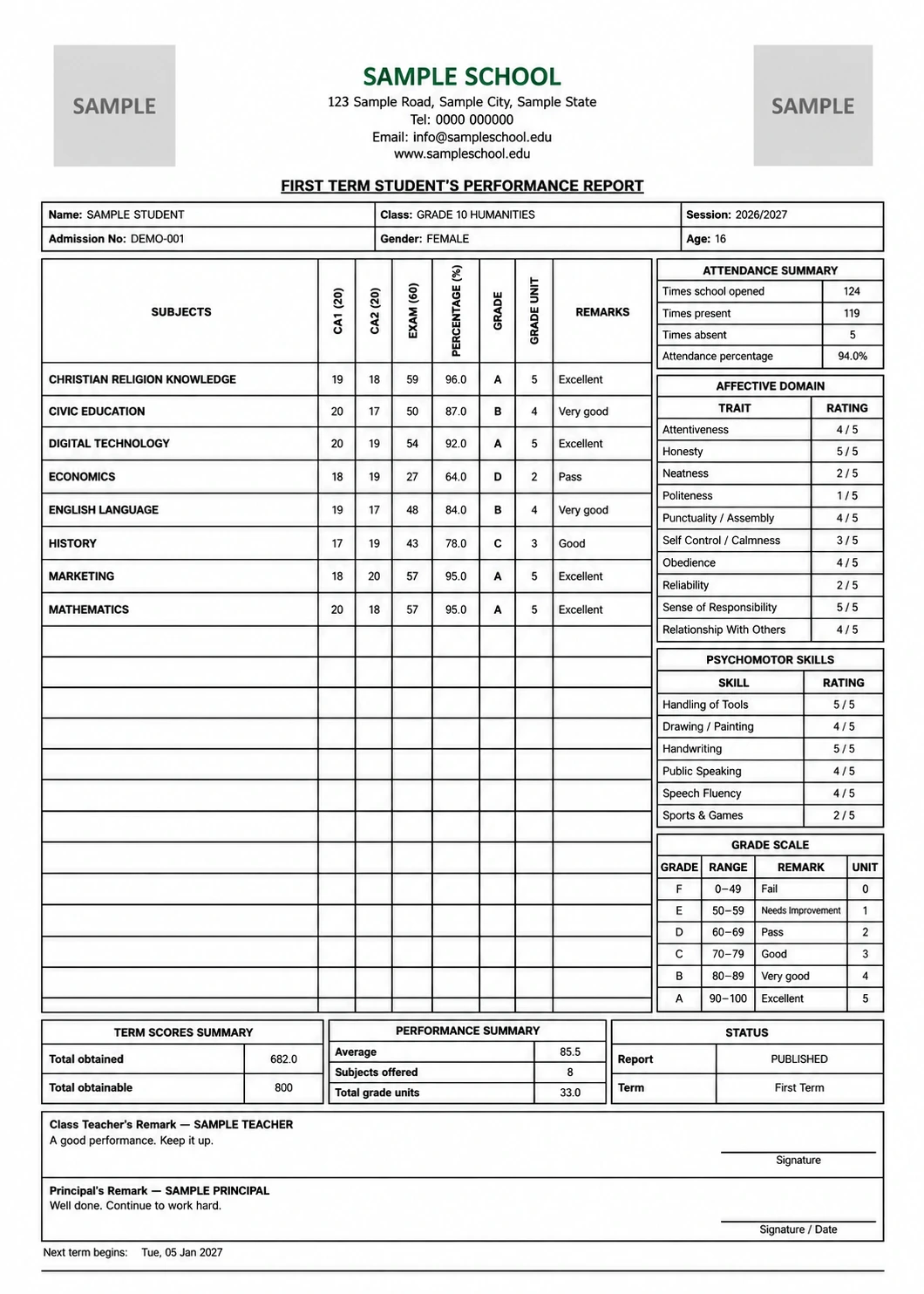
Bring continuous assessment and examination scores through your school’s configured results workflow, from entry and review to publication.
- Configured assessments and score entry
- Broadsheets and academic performance records
- Report cards and authorised family access
Results follow your school’s assessment configuration, permissions and publication rules.
See report cards in a demo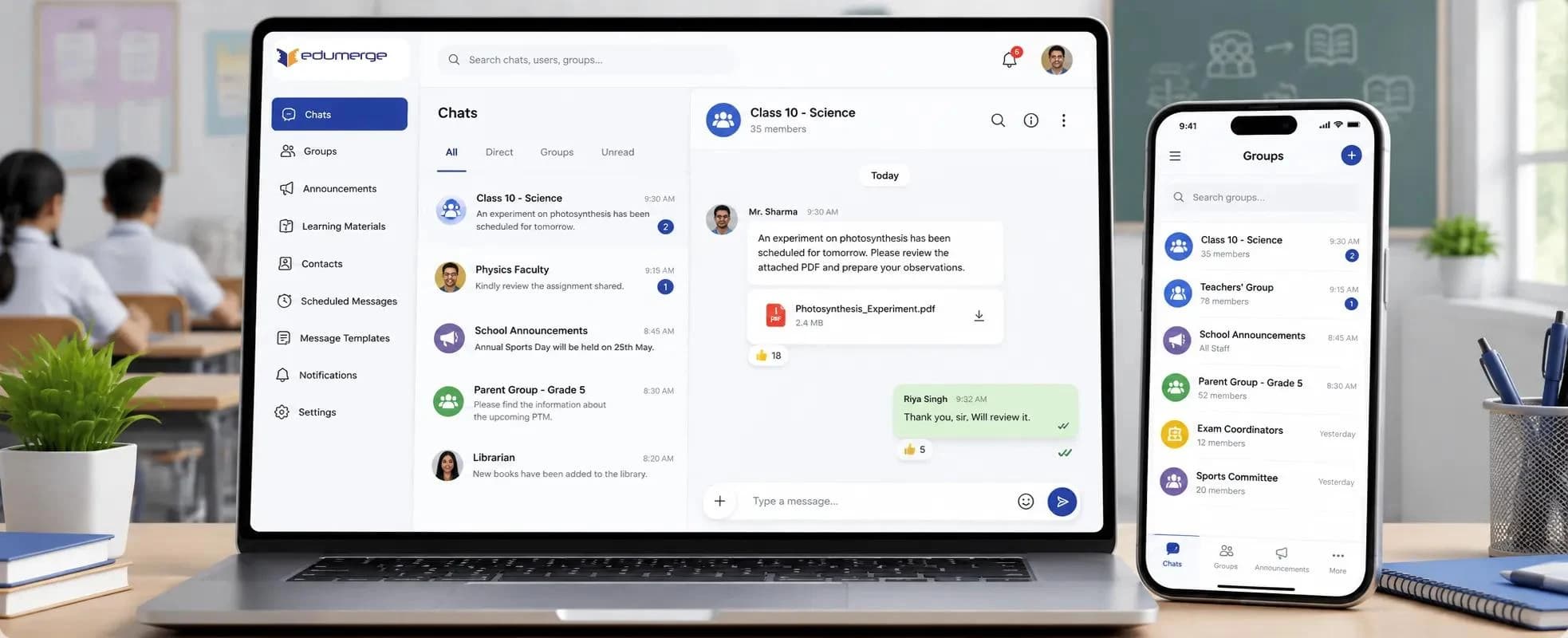
School Communication
School conversations,
with a shared home.
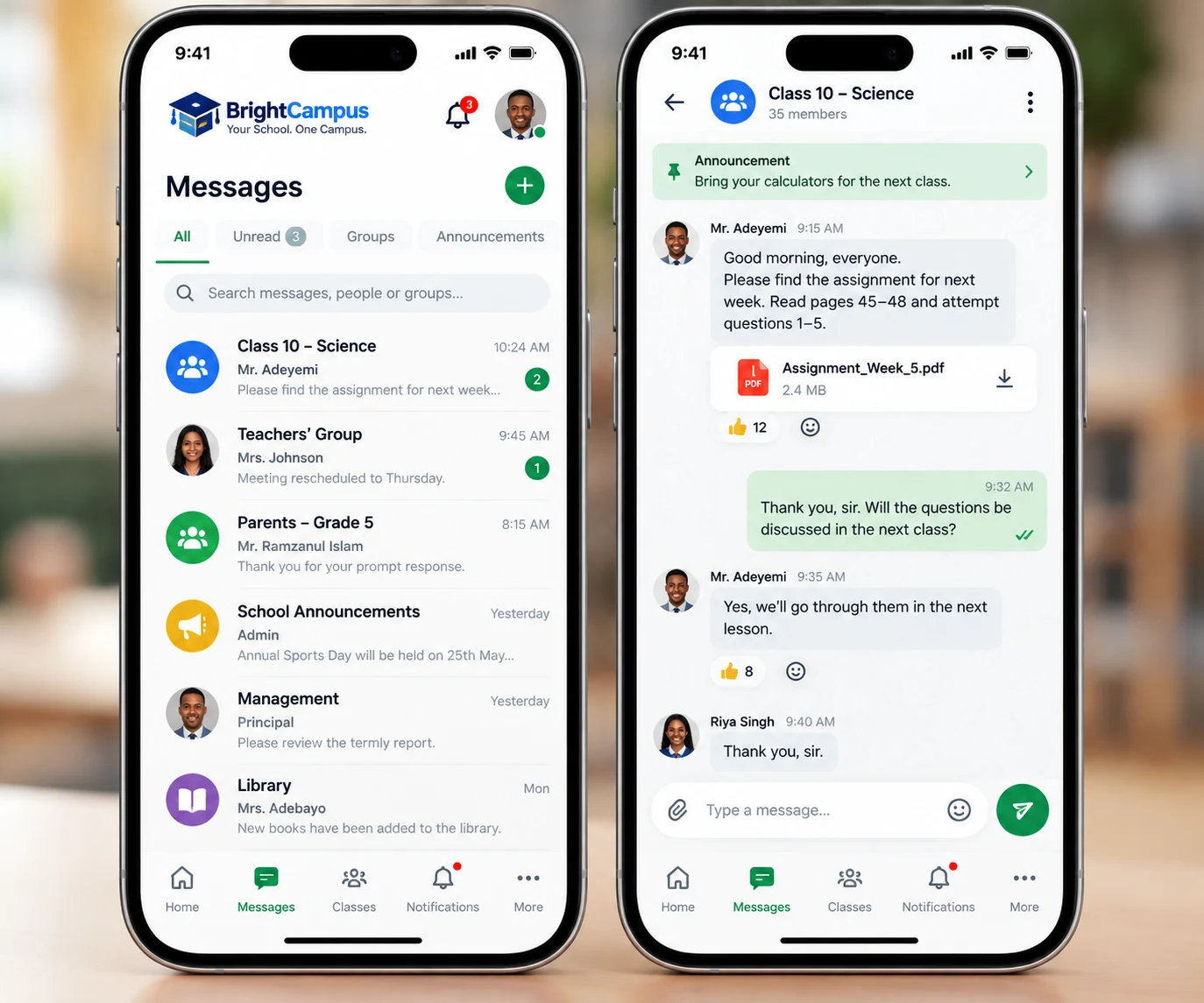
Bring messages and announcements into the school workspace so staff, students and parents can follow the information relevant to them.
- Role-appropriate conversations and school announcements
- Communication within authorised school relationships
- Parent access for properly linked children
Messaging follows the school’s enabled capabilities, roles and safeguarding rules.
Explore school communicationIn Development / Coming SoonYour campus.
BrightCampus Mobile
Your campus.
Closer at hand.
The Android application is in development, bringing BrightCampus workflows into a native mobile experience for school teams and families.
- School administration and academic activities
- Messaging for school teams and linked families
- School-specific access and role-appropriate navigation
Public availability will follow release and acceptance checks. There is no public Play Store download offered here.
Talk to us about BrightCampus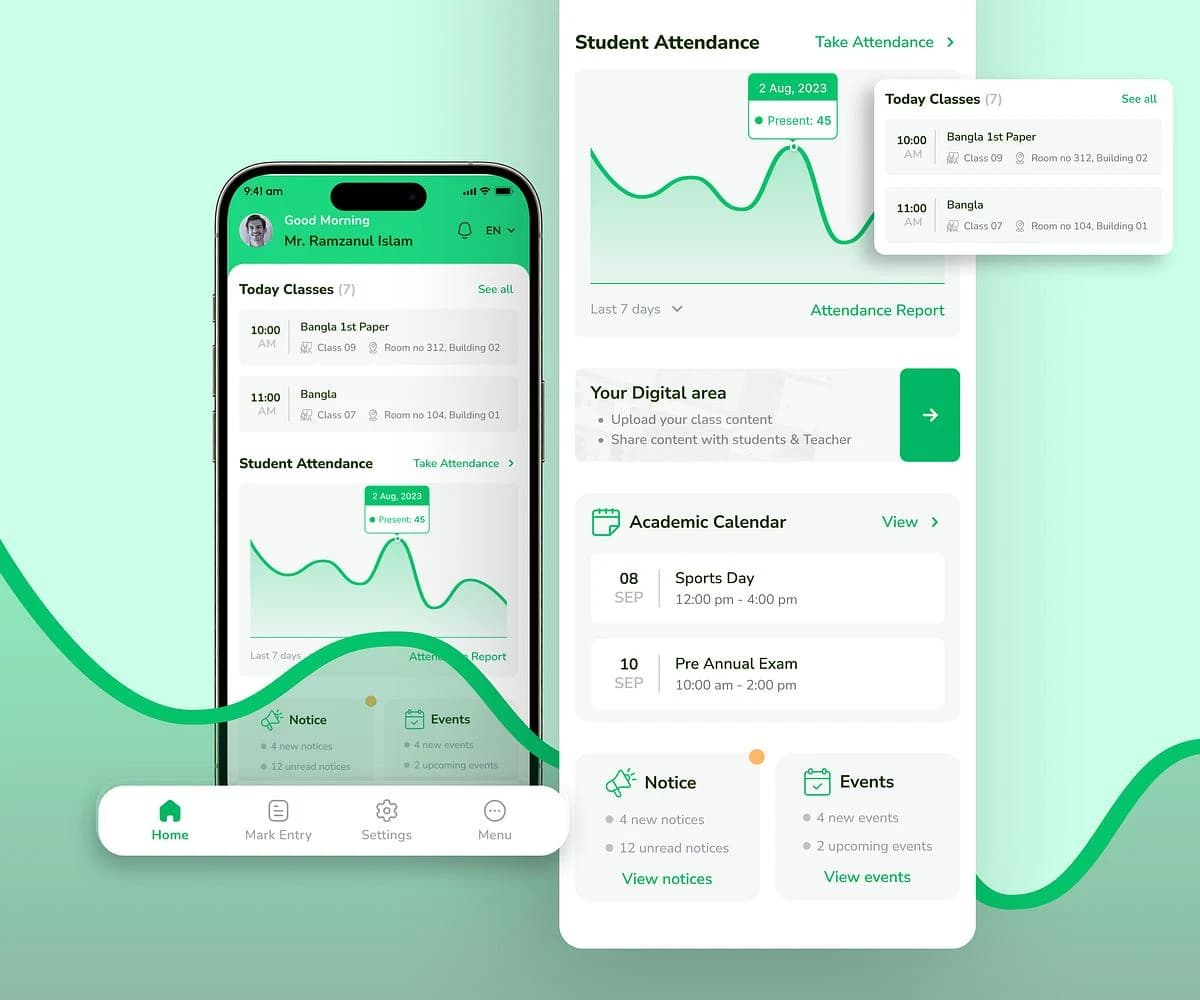
What changes for your school
Less administration. Better visibility. Stronger schools.
Built for modern schools. Ready for local realities.
Save Time
Reduce repetitive administrative work and keep everyday school operations organised.
Stay Organised
Keep important records and responsibilities easier to find and manage.
Improve Communication
Give authorised staff, parents and students clearer access to the information relevant to them.
Make Better Decisions
Give school leaders better visibility without searching through disconnected records.
Who BrightCampus is for
Built for schools at every stage of growth.
Nursery & Early Years
Keep early-years records, families and daily school structure together.
Primary Schools
Coordinate classes, subjects, attendance and learner progress.
Secondary Schools
Manage broader subjects, assignments, assessments and staff scope.
Nursery–Secondary Schools
Connect multiple school stages within one managed environment.
School Groups
Give each school clear boundaries with group-level oversight where authorised.
Multi-campus Institutions
Support distinct campuses, teams and responsibilities without scattered systems.
Beyond the back office
Your school management platform and website — finally connected.
Use the same trusted school identity across the private workspace and a polished public website. Authorised users can prepare and publish approved content without asking a developer to change every page.
- Logo, colours, motto and identity
- Public pages and custom domains
- News, events and galleries
- Online admissions enquiries
BrightCampus AdminManage school brandingPrepare news and eventsPublish galleries and admissions information
Public school websiteApproved public contentSchool identity and mediaBrightCampus or custom domain
Honest product principles
Built around how schools actually work.
BrightCampus is shaped around practical responsibilities, clear institutional boundaries and the difference between public and private school information.
01Different users have different responsibilities.
02Parents should only see children properly linked to them.
03Teachers should work within their authorised academic scope.
04Leadership needs visibility without destroying access boundaries.
05Public content and private school records require different access.
06Daily operations should follow one clear, accountable workflow.
Access with clear boundaries
The right information. For the right people.
One school's private records must remain isolated from another school's records.
Explore Security & TrustSchool OwnerInstitutional oversight according to authorised permissions.
PrincipalAppropriate academic and operational visibility.
TeacherAccess according to authorised responsibilities and assignments.
ParentProperly linked children and permitted information only.
StudentInformation made available to the student.
How it works
A supported path from setup to daily use.
Talk to us
We learn about the school's structure, priorities and requirements.
Configure your school
BrightCampus is prepared around the school's authorised structure and selected services.
Bring your team onboard
Appropriate users receive their roles and access.
Start running smarter
The school begins using its enabled BrightCampus workflows.
Plans that grow with your school
Start with what you need today.
Capabilities and usage limits are applied per school. Detailed View transparent pricing by active-student capacity, with custom proposals where required.
Core
Essential school administration, academics, results, families, branding and a public school website.
View pricingStandard
Core capabilities with room for expanded learning, communication and reporting workflows.
View pricingPremium
Advanced website tools, custom domains and access to broader operational modules as they become available.
View pricingEnterprise
Higher-control deployments for institutions that need advanced governance, integrations and limits.
View pricingQuestions schools ask
Understand BrightCampus before you decide.
Clear answers about access, onboarding, school websites and evaluating the platform.
What is BrightCampus?
BrightCampus is a complete school management platform connecting administration, academics, results, communication, parents and supported school operations.
What types of schools can use BrightCampus?
BrightCampus supports nursery, primary, secondary and combined schools, as well as supported school groups and multi-campus institutions.
Can we see BrightCampus before subscribing?
Yes. Schools can request a demonstration before making a subscription decision.
Can parents use BrightCampus?
Yes, where enabled by the school. Parent access is limited to properly linked children and information the school authorises.
Do students have their own access?
Yes, where enabled by the school. Students can use a role-appropriate workspace for information made available to them, including supported results, assignments and academic resources.
Can teachers see every student's information?
No. Access depends on the teacher's role, school permissions and authorised academic responsibilities.
Can BrightCampus manage our public school website?
Yes. Supported plans connect school branding, public pages, news, events, galleries and admissions information with a school-managed public website.
Can different schools see each other's records?
No. One school's private records are kept within its institutional boundary. Learn more on Security & Trust.
Can we move existing school records into BrightCampus?
Onboarding and migration requirements are assessed with each school. BrightCampus does not promise an automatic migration for every existing format or system.
How long does onboarding take?
Timing depends on the school's size, structure, existing data, configuration and selected modules. The requirements are reviewed during consultation.
How much does BrightCampus cost?
Plans are available as Core, Standard, Premium and Enterprise. Detailed commercial pricing is currently provided during consultation.
Ready when your school is
Ready to bring your school together?
See how BrightCampus can simplify administration, strengthen communication and give your school one connected digital home.